Nebraska Fishing License App and Digital Proof of Purchase
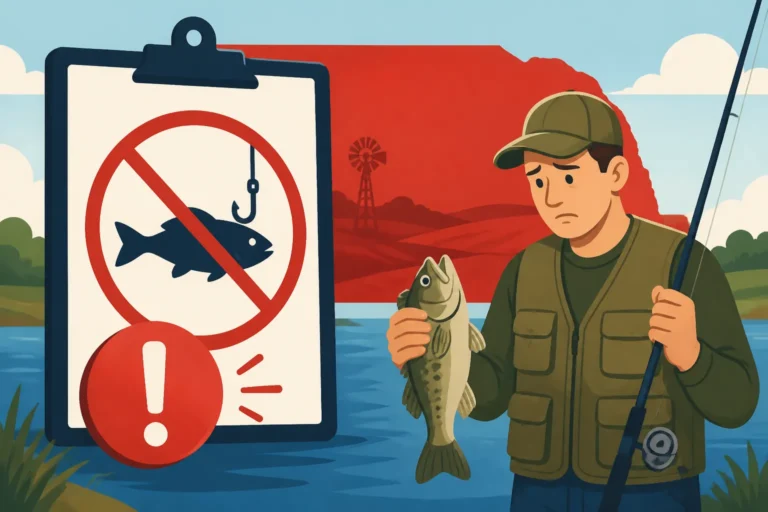
There's nothing quite like the heart-stopping moment when you're out on a beautiful Nebraska lake or river, the fish are biting, and suddenly a game warden approaches, asking for your fishing license. You reach into your wallet, pocket, or tackle box, only to realize… it's not there. Or worse, it's a soggy, illegible mess from an unexpected downpour. This familiar stress can take all the joy out of an otherwise perfect day. But what if your license was always with you, safe and sound on your phone? That's exactly what the Nebraska Fishing License App offers, providing convenient digital proof of purchase that can save you a lot of hassle and potential fines.
The GoOutdoorsNE App: Your Digital Fishing Companion
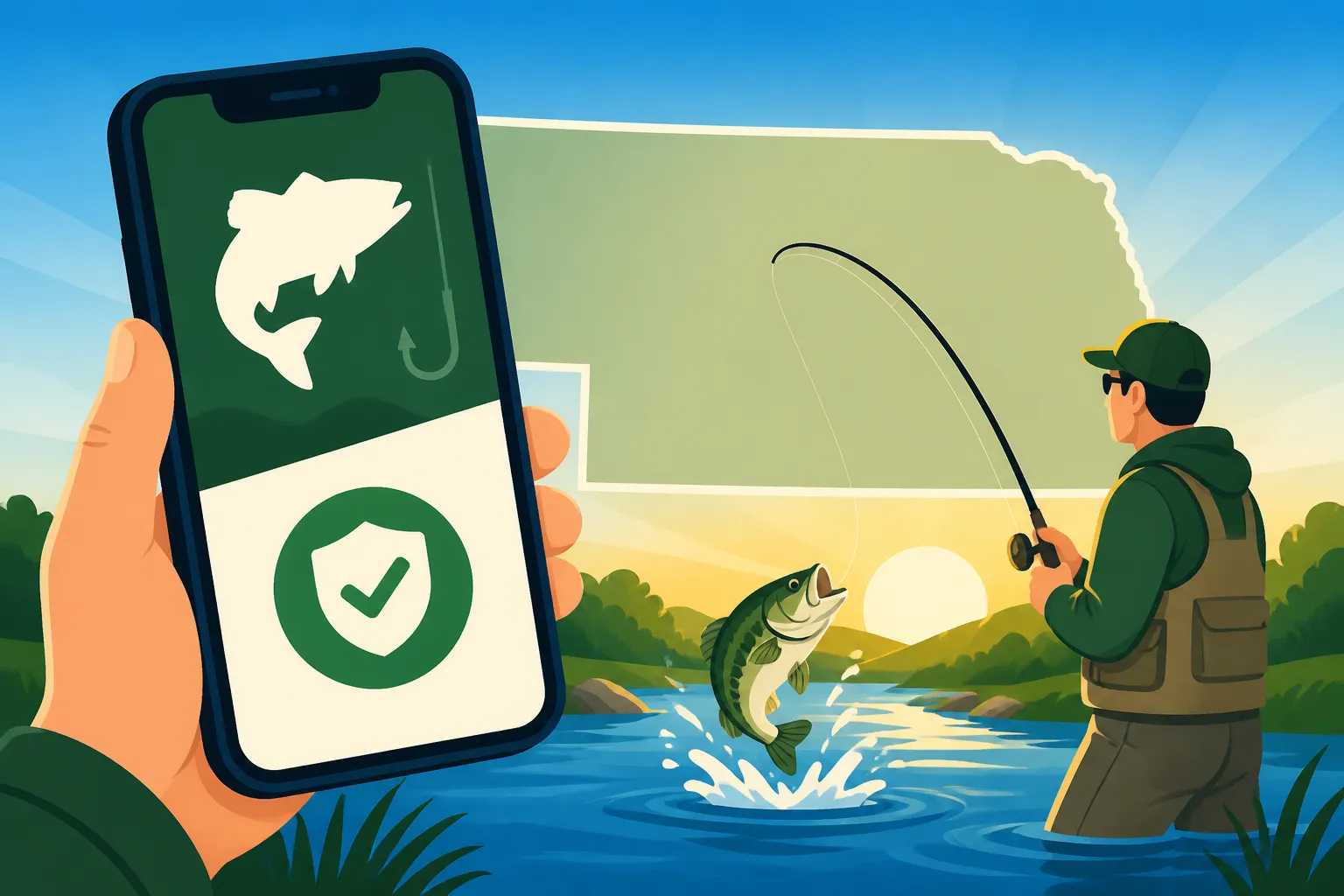
In today's fast-paced world, most of us carry our smartphones everywhere. Recognizing this, the Nebraska Game and Parks Commission (NGPC) developed the GoOutdoorsNE app, a fantastic tool designed to make life easier for anglers and hunters across the state. This isn't just a simple picture of your license; it's an integrated system that connects directly to your official profile on the GoOutdoorsNE Online Permit System. It's meant to be a comprehensive digital companion that keeps your vital permits and regulations right at your fingertips, eliminating the need to constantly keep track of physical paperwork.
Why Digital Proof is a Game Changer
For years, we've all relied on that flimsy piece of paper or plastic card, hoping it wouldn't get lost, bent, or ruined by water. The transition to digital proof through the GoOutdoorsNE app is a huge relief for many. Imagine being able to confirm your licensure with just a few taps on your phone, even if you’re miles from the nearest town. This convenience is paramount. Beyond simply displaying your license, the app often includes quick links to current Nebraska Fishing Regulations Explained, which can be invaluable when you're on the water and need to double-check bag limits or length restrictions on the fly. It also integrates seamlessly with other services, allowing you to manage your permits and access important information related to your outdoor activities.
Beyond Just Your License: Features of the App
The GoOutdoorsNE app isn't a one-trick pony. While its primary function for anglers is to serve as a digital fishing license, it often boasts several other useful features. Depending on updates, you might find sections for reporting harvests (though this is more common for hunting, check current features for fishing), finding nearby public access areas, or even receiving important alerts from the NGPC. It's a central hub designed to consolidate various aspects of your outdoor adventures. Think about how much easier it is to have everything in one place, rather than sifting through emails, printed documents, and physical booklets. This digital consolidation makes it a truly modern solution for the modern angler.
Setting Up Your GoOutdoorsNE Account and Linking Your License
Getting started with the GoOutdoorsNE app is usually a straightforward process, but like any technology, it can have its quirks. The key is to ensure your online account is already active and your permits are properly associated with it. If you've already purchased a Nebraska Fishing License Guide online, you're halfway there!
Creating Your Account and Downloading the App
First things first, if you haven't already, you'll want to set up your profile through the official GoOutdoorsNE Online Permit System on their website. This is where you purchase your permits, whether it's an annual fishing permit, a combination hunt and fish permit, or a special stamp like the Aquatic Habitat Stamp. Once your online account is squared away and you've made your purchase, head over to your phone's app store. Whether you're an Apple enthusiast or an Android user, you'll find the "GoOutdoorsNE" app available for download. It's a free download, so you don't have to worry about an additional cost to access your digital proof of purchase. Make sure you're downloading the official app from the Nebraska Game and Parks Commission to avoid any imitations or scams. After it's downloaded and installed, simply open it up.
Linking Your Permits and Viewing Digital Proof
Upon opening the app, you'll typically be prompted to log in using the same credentials you created for your online GoOutdoorsNE account. This is a critical step because it's how the app pulls your purchased permits directly from the state's database. Once logged in, navigate to the section that displays your licenses or permits. You should see a list of all your active Nebraska Fishing License Costs and Types, including your general fishing license, any special endorsements, and their expiration dates. Tapping on a specific license will usually bring up a detailed view, complete with your name, customer ID, license type, effective dates, and a unique barcode or QR code. This detailed view is your official digital proof of purchase. Sometimes, it might take a moment to sync, especially if you've just bought a new permit, so a little patience is key. If you're having trouble, always ensure your phone has a stable internet connection for that initial sync.
Using Your Digital Proof of Purchase in the Field
Having your fishing license on your phone is incredibly convenient, but it also comes with a few considerations when you're out on the water. Game wardens are accustomed to seeing digital licenses, but you still need to be prepared for various scenarios, especially if technology decides to be uncooperative.
Displaying Your License for Game Wardens
When a Nebraska game warden asks to see your fishing license, simply open the GoOutdoorsNE app, navigate to your permits section, and display the detailed view of your active fishing license. This usually includes a barcode or QR code, your personal information, and the validity dates. This is the official digital proof that Nebraska recognizes. Most wardens are equipped with scanners that can quickly verify the authenticity of your digital permit. It's often quicker and easier than fumbling for a physical card, especially if your hands are wet or you're balancing in a boat. The goal is to make the process as smooth as possible for both you and the officer, ensuring you can get back to fishing without undue delay.
Dealing with No Service or Low Battery
This is the big one, isn't it? What happens if you're deep in the Sandhills or out on a remote stretch of the Platte River and you don't have cell service? Or your phone battery decides to call it quits after a long day of mapping fish on your Best Fish Finders for Nebraska Lakes? For these very real possibilities, always, always have a backup. The app is generally designed to store a cached version of your licenses once they've been successfully synced, meaning you might not always need live internet to display them. However, it's a good practice to take a screenshot of your active license within the app after it's fully loaded and displaying correctly. Store this screenshot in your phone's photos or a dedicated folder. This way, even if you lose service, you have a visual record. For battery life, consider carrying a small, portable power bank, which you can easily find on Amazon. It's a small investment that can save you a major headache.
Importance of Photo ID and Other Permits
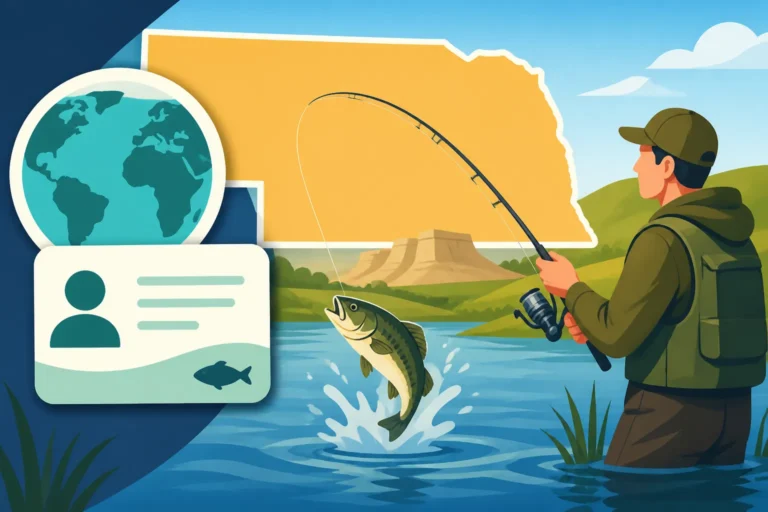
While the app provides digital proof of your fishing license, remember that Does Nebraska Require a Photo ID for Fishing License Checks? Yes, you should always carry a valid photo ID, such as a driver's license, alongside your digital fishing permit. This allows the game warden to confirm that the license belongs to you. Also, if you have additional permits like a Trout Stamp or an Aquatic Invasive Species Stamp, ensure these are also displayed within the app or carried physically if they are separate documents. The GoOutdoorsNE app is designed to show all your associated permits, so a quick check usually confirms everything is in order.
Common Questions and Troubleshooting for the App
Even with the best intentions, technology can sometimes be frustrating. If you run into issues with the GoOutdoorsNE app, you're definitely not alone. Here are some common questions and troubleshooting tips to help you out.
My License Isn't Showing Up! What Do I Do?
This is perhaps the most common frustration. First, check your internet connection. The app needs to communicate with the GoOutdoorsNE Online Permit System to retrieve your permit data. If your connection is solid, try logging out of the app and logging back in. Sometimes a simple refresh is all it takes. Double-check that you're using the correct login credentials – remember, it's the same username and password you use on the website to purchase your permits. Also, confirm that your license is indeed active and hasn't passed its Nebraska Fishing License Expiration Date. If you just purchased it, give it a few minutes, or even an hour, for the system to fully process and update across all platforms.
If all else fails, and you're still not seeing your license, it's time to contact the Nebraska Game and Parks Commission directly. Their customer service can verify your purchase and help troubleshoot your account. You can find their contact information on their official website. In the meantime, if you're heading out fishing, make sure you have a physical printout as a backup, or be prepared to show your purchase confirmation email if you've recently bought it.
Digital vs. Physical: Which is Better for Me?
While the digital app offers undeniable convenience, some anglers still prefer a physical license. Let's break down the pros and cons:
| Feature / Aspect | Physical License Card | GoOutdoorsNE Mobile App |
|---|---|---|
| Accessibility | Always there if you remember to bring it | Always on your phone (if battery/service allows) |
| Durability | Susceptible to water, tearing, fading | Digital, secure, impervious to physical damage |
| Offline Access | Always available without internet | Requires prior sync; screenshot is a good backup |
| Verification | Visible directly, can be scanned | Scanned via phone screen; potential glare issues |
| Loss Risk | Easily lost, forgotten, or damaged | Phone can be lost/damaged, but license is secure online |
| Convenience | One more thing to carry and keep track of | Integrated into a device you already carry |
| Information | Basic info, often needs separate regs booklet | Links to regulations, additional info |
Ultimately, the best option often involves using both. Carry your physical license if it makes you feel more secure, and always have the app ready on your phone with a screenshot saved. This dual approach provides the most robust solution for proving your compliance, especially during a Nebraska Fishing License Violation Penalties check.
Getting a Replacement or Renewal
Life happens, and sometimes phones break or get lost. If you've lost access to your phone or need to manage your license outside the app, remember that the GoOutdoorsNE Online Permit System is your primary hub. You can always log in to your account from any computer or mobile browser to view your permits, print a copy, or even purchase a new one if it's nearing its Nebraska Fishing License Renewal date. The digital nature of the system means your license information is always stored securely, even if your device isn't. You can also learn How to Replace a Lost Nebraska Fishing License directly through the online system.
Consider using the GoOutdoorsNE app for all your Nebraska fishing adventures. It’s a modern, efficient way to keep your essential documents close at hand, allowing you to focus on what truly matters: catching fish and enjoying the beautiful outdoors of Nebraska. Just remember those simple backups, and you'll be set for a smooth experience!
Disclaimer
The information provided in this guide is for general informational purposes only and is subject to change. While we strive to keep the content up-to-date and accurate, fishing regulations, app features, and policies are determined by the Nebraska Game and Parks Commission and can be updated without prior notice. Always consult the official Nebraska Game and Parks Commission website or their current regulations handbook for the most accurate and up-to-date information before engaging in any fishing activities.