How to Set Up a GoOutdoorsNE Account
Navigating government websites can feel like trying to untangle a bird's nest of fishing line – confusing, frustrating, and often leaving you wondering if you're even in the right spot. If you're a new angler in Nebraska, or even a seasoned one looking to move your permits online, figuring out the GoOutdoorsNE system can seem like a hurdle. But don't you worry, this comprehensive guide is here to walk you through every step of setting up your GoOutdoorsNE account, making sure you spend less time clicking and more time casting.
Why You Need a GoOutdoorsNE Account and What It Offers
Let's be honest, in this day and age, having your licenses and permits digitally accessible is just plain convenient. Gone are the days of frantically searching for a crumpled paper license in your wallet or tackle box. The GoOutdoorsNE platform isn't just another website; it's your central hub for all things related to outdoor recreation permits in the Cornhusker State.
Beyond Just Buying a License
Many folks think of GoOutdoorsNE purely as the place to buy their annual fishing license. And while it absolutely excels at that, the system offers so much more. Once you're set up, you can easily purchase and manage all your outdoor permits, from a basic fishing permit to a deer hunting tag. Imagine being out on the lake, reeling in a beautiful walleye, and a Nebraska Game and Parks Commission officer asks for your license. With GoOutdoorsNE, you can simply pull up the digital version on your phone. It's truly a game-changer for convenience. You can even access and understand the nuances of the state's rules, ensuring you're always up-to-date with the Nebraska Fishing Regulations Explained and other critical guidelines.
Beyond purchasing, the platform allows you to keep track of past purchases, review current regulations specific to certain species or bodies of water, and even report your harvests. This centralized approach helps you stay organized and ensures you're always compliant, which means less stress and more enjoyment of Nebraska's incredible outdoors. Plus, when it's time to renew, it's a breeze, saving you a trip to a vendor.
Centralized Access to Nebraska Game and Parks
The biggest advantage of a GoOutdoorsNE account is having a single, unified place to manage all your interactions with the Nebraska Game and Parks Commission. Think about it: instead of having separate logins or needing to dig out old receipts for different activities, everything is neatly organized under one digital roof. This means whether you're looking to renew your boat registration, check the Nebraska Walleye Daily Bag Limit for Lake McConaughy, or purchase your yearly Nebraska Annual Fishing Permit, it’s all there.
This centralized system really shines when it comes to keeping a historical record. If you ever need to verify previous license purchases or check your hunter education status, it's all readily available. It streamlines the entire process, making it incredibly user-friendly. You won't have to wonder if you qualify for a specific permit or if your information is current, because you can update it yourself. This kind of access prevents frustrating mix-ups and helps you dedicate your precious free time to what truly matters: being outdoors.
Step-by-Step Guide to Creating Your GoOutdoorsNE Account
Alright, let's get down to brass tacks. Setting up your account is a straightforward process, but sometimes knowing exactly what to expect makes all the difference. We'll walk through it together.
Starting the Registration Process
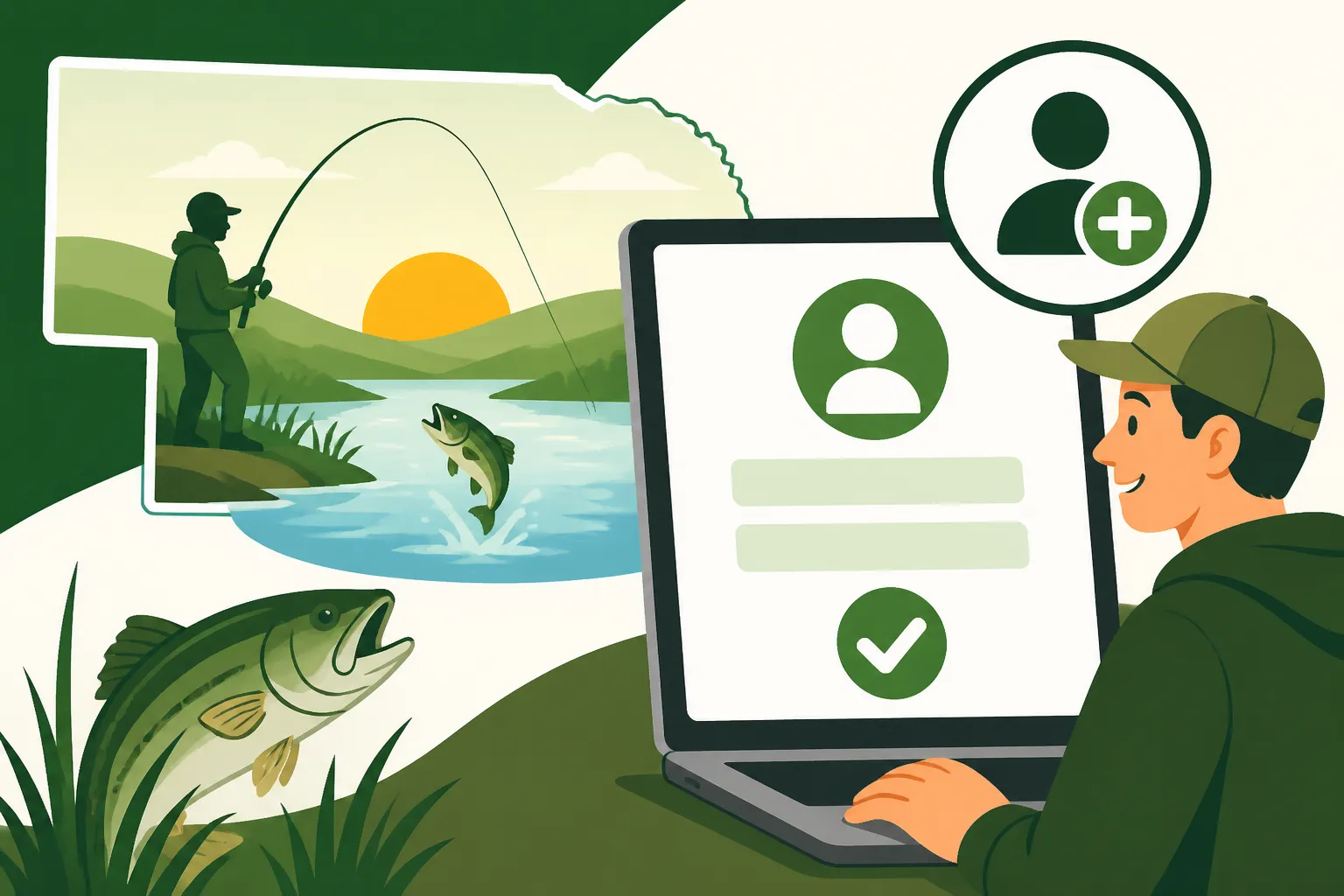
First things first, you need to head to the official GoOutdoorsNE website. A quick search will get you there, or you can usually find a direct link on the Nebraska Game and Parks Commission homepage. Once on the site, look for a prominent button or link that says something along the lines of "Create Account," "Register," or "First Time User." It's usually pretty clear, often highlighted to draw your attention. Click that button, and you'll be on your way.
The system will likely greet you with a privacy policy or terms of service. It's always a good idea to quickly read through these, especially to understand how your personal data will be handled. Once you agree, you'll be prompted to start entering your information. Don't rush this part; accuracy is key to avoiding issues down the road.
Personal Information and Security
This is where you'll input all the necessary details to identify yourself. You'll typically be asked for your full legal name, current address, date of birth, email address, and phone number. Make sure all this information matches what's on your driver's license or state ID. Any discrepancies can cause issues, especially when purchasing permits or if you're trying to prove Nebraska Resident Fishing License Requirements.
You'll also need to create a strong password. Think of something unique that combines uppercase and lowercase letters, numbers, and symbols. Don't use easily guessable information like your birthdate or "password123." You'll also be asked to select security questions, which are crucial if you ever forget your password. Choose questions whose answers you'll reliably remember but aren't easily found by others. It might seem tedious, but good security protects your account and your outdoor privileges.
Linking Existing Records (If Applicable)
Now, this is an important step for many returning anglers. If you've purchased Nebraska fishing or hunting permits in the past, even if it was in person at a vendor, the system likely has a record of you. GoOutdoorsNE will often prompt you to search for your existing customer profile before creating a brand new one. This is usually done by entering your name, date of birth, and possibly a previous permit number or your driver's license number.
It's super important to try and link to your existing record rather than creating a duplicate. A duplicate account can cause confusion and issues when trying to manage your licenses or view your history. If the system finds you, it will often allow you to claim that existing profile and convert it into your new online account, preserving all your historical data. If you have trouble finding your old records, don't fret too much. Sometimes, a slight difference in how your name was entered years ago can throw it off. This is a good time to remember the Game and Parks Commission support options we'll discuss later.
Confirmation and First Login
Once you've filled out all the details and established your password and security questions, the system will usually send a confirmation email to the address you provided. Head over to your inbox and look for an email from GoOutdoorsNE or the Nebraska Game and Parks Commission. This email often contains a link you need to click to verify your account. This step is critical; your account won't be fully active until you've confirmed your email address.
After confirming, you can return to the GoOutdoorsNE website and log in using your newly created username and password. The first time you log in, you might be presented with a dashboard overview or a welcome message. Take a moment to familiarize yourself with the layout. This is your personal portal to Nebraska's outdoors! You might even want to grab a waterproof phone case from Amazon to protect your device while out on the water, ensuring you can always access your digital permit.
Navigating Your New GoOutdoorsNE Dashboard
Congratulations! You've successfully set up your GoOutdoorsNE account. Now comes the fun part: exploring everything it has to offer. The dashboard is designed to be intuitive, but knowing where to find specific features will save you a lot of time.
Finding and Purchasing Permits
The primary function for most users will be purchasing permits. On your dashboard, you'll typically find a clear section labeled "Buy Permits," "Licenses," or something similar. Clicking this will lead you to a menu of available options. You'll see everything from your standard Nebraska 1-Day Fishing Permit to various hunting permits, and even specific stamps like the Aquatic Habitat Stamp.
You can often filter these options by activity (fishing, hunting, boating) or by duration (annual, 1-day, 3-day). For example, if you're planning a quick weekend trip, you might opt for a Nebraska 3-Day Fishing Permit. The system will then walk you through the specifics of each permit, including its cost and any additional stamps required, like the Nebraska Aquatic Habitat Stamp Explained. You'll add your desired permits to a digital cart, much like online shopping, and then proceed to a secure checkout. It’s a very streamlined process designed to get you your permit quickly.
Managing Your Profile and Licenses
Your GoOutdoorsNE account is a living document, and you'll want to keep your information current. Look for a section like "My Profile" or "Account Information" on your dashboard. Here, you can update your contact details, address, and other personal information. It's important to keep this current, especially if you move, to ensure you continue to receive relevant communications and that your residency status for permits (like the Nebraska Nonresident Fishing License Guide) is accurate.
This section also serves as your digital wallet for all your permits. Under "My Licenses" or "Permit History," you can view all your active and expired permits. This is incredibly handy for historical reference or to quickly pull up your current license on your phone. The system usually generates a digital copy that you can save to your device or print if you prefer a physical backup. The beauty of this system is how easy it makes things like Nebraska Fishing License Renewal, often with just a few clicks when the season rolls around again. While the GoOutdoorsNE platform is robust, sometimes having a physical backup of important documents, stored safely in a waterproof document holder (easily found on Amazon), can offer extra peace of mind.
Exploring Other Features
Beyond purchasing and managing licenses, your GoOutdoorsNE dashboard often has other useful tools. You might find sections for:
- Boat Registration: If you own a boat, this is where you can manage its registration, renew it, and ensure you're in compliance with Nebraska Boat Registration and Fishing Rules.
- Harvest Reporting: For hunters, this is where you'll log your harvested animals, a crucial requirement for many species.
- Rulebooks and Regulations: Often, there are links directly to the current Nebraska Game and Parks Commission rulebooks, so you can quickly look up specific rules, like the Nebraska Crappie Daily Limit or length restrictions for bass. This saves you from having to search separately and ensures you're viewing the most current information.
- Drawings and Applications: For those interested in special hunting draws or limited-entry permits, this is often the portal through which you'll apply.
- Mentored Youth Program: You might even find resources related to programs like the Nebraska Mentored Youth Fishing Program, which encourages young anglers to get involved.
Take some time to click around and explore. You'll be surprised at how much useful information and functionality is packed into your GoOutdoorsNE account.
Troubleshooting Common GoOutdoorsNE Account Issues
Even with the best intentions, technology can sometimes throw a wrench in the works. Don't worry, many common issues with online accounts have straightforward solutions.
Forgotten Passwords and Usernames
It happens to the best of us! You set up an account, don't use it for a few months, and then the password vanishes from your memory. If you've forgotten your password, look for a "Forgot Password?" or "Reset Password" link on the login page. You'll typically be asked to enter your email address or username, and the system will send you a password reset link or prompt you with your security questions. Make sure to check your spam or junk folder if you don't see the email right away.
If you've forgotten your username, the process is similar. There's often a "Forgot Username?" link that will help you retrieve it, usually by verifying your email address or other personal details. Having a reliable portable charger, perhaps one you picked up from Amazon, can be a lifesaver if you're trying to troubleshoot on the go and your phone battery is low.
Account Linking Problems
Sometimes, you might encounter an issue where your new online account doesn't seem to recognize your old paper permits, or you accidentally created a duplicate account. This can be frustrating, especially if you have years of history under a different ID number. The best course of action here is to gather any old permit numbers, customer IDs, or even receipts you might have. These details will be crucial when you contact customer support.
Explain clearly that you believe you have an existing record and are having trouble linking it or that you may have a duplicate account. The support staff can often merge accounts or help you consolidate your records, ensuring all your history is under one GoOutdoorsNE profile. Patience and providing accurate historical data are key here.
Payment Processing Errors
You've picked out your permits, you're at checkout, and suddenly, "Payment Failed." Ugh, it's a common and annoying problem. First, double-check all your payment information: card number, expiration date, security code, and billing address. A single typo can throw off the entire transaction. Ensure you have sufficient funds available and that your card hasn't expired.
If everything looks correct and it's still failing, try a different payment method if you have one. Sometimes, temporary issues with specific payment processors or your bank's fraud detection can cause problems. If the issue persists, contact your bank or credit card company to ensure there are no holds or flags on your account. You can also contact GoOutdoorsNE support for guidance.
General Support and Contact Information
For any issues that you can't resolve through the website's self-service options, the Nebraska Game and Parks Commission offers customer support. On the GoOutdoorsNE website, look for a "Contact Us" or "Help" section. This will typically provide phone numbers, email addresses, and sometimes even a live chat option during business hours.
When you contact support, be prepared to provide your name, date of birth, any relevant permit numbers, and a clear description of the problem you're experiencing. The more information you can give them upfront, the faster they'll be able to assist you. Remember, these folks are there to help, so a polite and detailed explanation goes a long way.
Why GoOutdoorsNE Makes Sense
| Feature | GoOutdoorsNE Online | In-Person Vendor |
|---|---|---|
| Convenience | 24/7, anywhere | Limited hours, location-dependent |
| Digital Access | Yes (phone, print) | Often paper only |
| Record Keeping | All history stored | Manual tracking, paper receipts |
| Updates & Renewals | Easy, automated reminders | Requires vendor visit |
| Regulations Access | Direct links, current | May require separate search or booklet |
| Cost | Same as in-person | Same as online |
| Boat Registration | Yes | Limited options |
| Harvest Reporting | Yes | Limited options |
Setting up your GoOutdoorsNE account truly simplifies your outdoor adventures in Nebraska. It’s your digital gateway to fishing, hunting, and boating, putting all the necessary tools and information right at your fingertips. No more last-minute dashes to the store, no more lost paper licenses, just seamless access to the great outdoors. So, take the leap, get your account set up, and get ready to enjoy everything Nebraska has to offer! Maybe you just need some basic fishing line or a tackle box – Amazon has a ton of options for new anglers getting started after securing their permit.
Disclaimer
The information provided in this guide is for general informational purposes only and is subject to change. While we strive to keep the content up-to-date and accurate, regulations and website functionalities can be updated by the Nebraska Game and Parks Commission at any time. Always refer to the official GoOutdoorsNE website and the Nebraska Game and Parks Commission's current regulations for the most accurate and legally binding information.